Adding a particle system to an object is really awesome if you want to animate hundreds or even thousands of smaller objects or particles. This could be smoke, fire, water, mud, snow, sparks, bees, rocks, trees, ANYTHING! You could use particles in the scene of your animation or even as part of the characters.
Intro to particle systems.
If you understand this and want to do more with particles, watch these tutorials below. Also check out BlenderGuru.com because he also uses particle systems in complex ways.
Today we began to animate objects. This is where we moved/rotated objects and then took a "snapshot" of the object's location/rotation by inserting a keyframe. To recap what we looked at today, you can watch this this quick tutorial by Blendercookie below.
Blendercookie's intro to keyframing
Remember, the more you experimentation you do and tutorials you watch, the more fun you can have with your final animation project. Again, feel free to email me at alexander.honeywell@gmail.com if you have any blender questions.
If you know that you are behind, please watch some of the tutorials above or below to get caught up. If you have a problem in blender, there is a very good chance there is a tutorial to fix it.
Downloading blender would allow you to have the flexibility to improve at home as well.
Today (tuesday) we looked at how to add textures to the objects we have created.
Textures can be found at cgtextures.com. By using textures on a mesh, you can help it look more "realistic" or stylized. Remember, any image can be placed on top of the mesh.
If you have been keeping up, you already have the skills to do a lot.
I also mentioned about Sculpting and Blender's Game Engine. I don't think there is time to go into these, but you can do some amazing things with them.
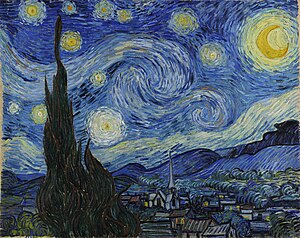
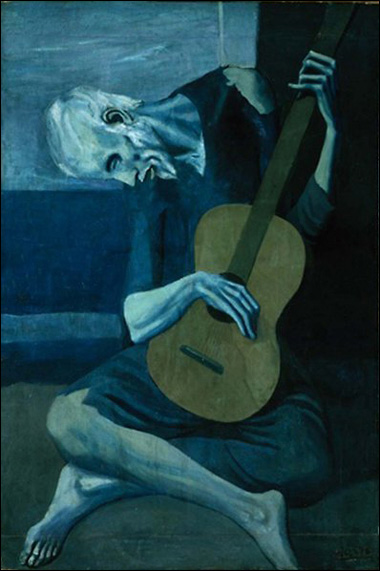
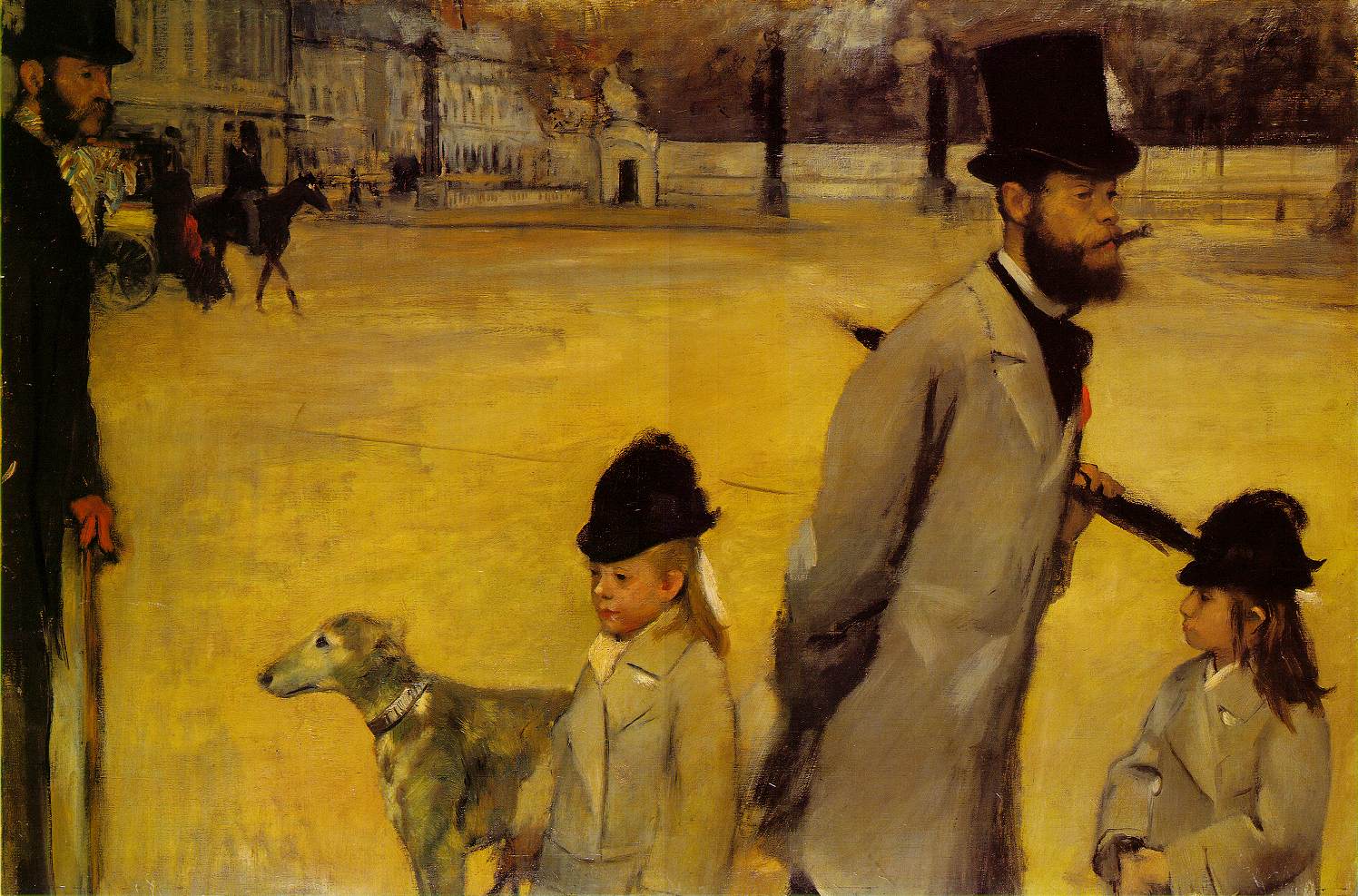
First select an famous painting, photograph, musical score, play, writing... to inspire your animation. Here are a few to get you started. Choose carefully... Then brainstorm a story that you are going to derive from the art historical piece either to start it all off, to meet it in the middle or to conclude your animation. Draw out a story board, establish character(s), your background, a conflict and resolution.
Today we are going to watch Nick Park's classic Claymation animation called "The Wrong Trousers". Notice the thought and detail that went into each scene, characters, and props. Also, consider the use of lighting, camera angles, and framing.
After watching the film, check out the Wallace & Gromit web site: http://www.wallaceandgromit.com/ Read the over views of the characters.
After watching the animation, start brainstorming your own stop motion animation. You can watch some more online animations, or play with the materials at the back of the class to inspire ideas.
Finally, type out in list form 5+ basic ideas- character, scenario, conflict, resolution